01
Understand system structure
Present controllers, lines, call stations, calls, destination groups and function keys in clear project views.
D1 Toolbox combines system structure, measurements and service functions in a clear project view – connected directly to a controller or available offline from stored VCF data.
Version 1.1 · External beta via Apple TestFlight · iOS/iPadOS 17+
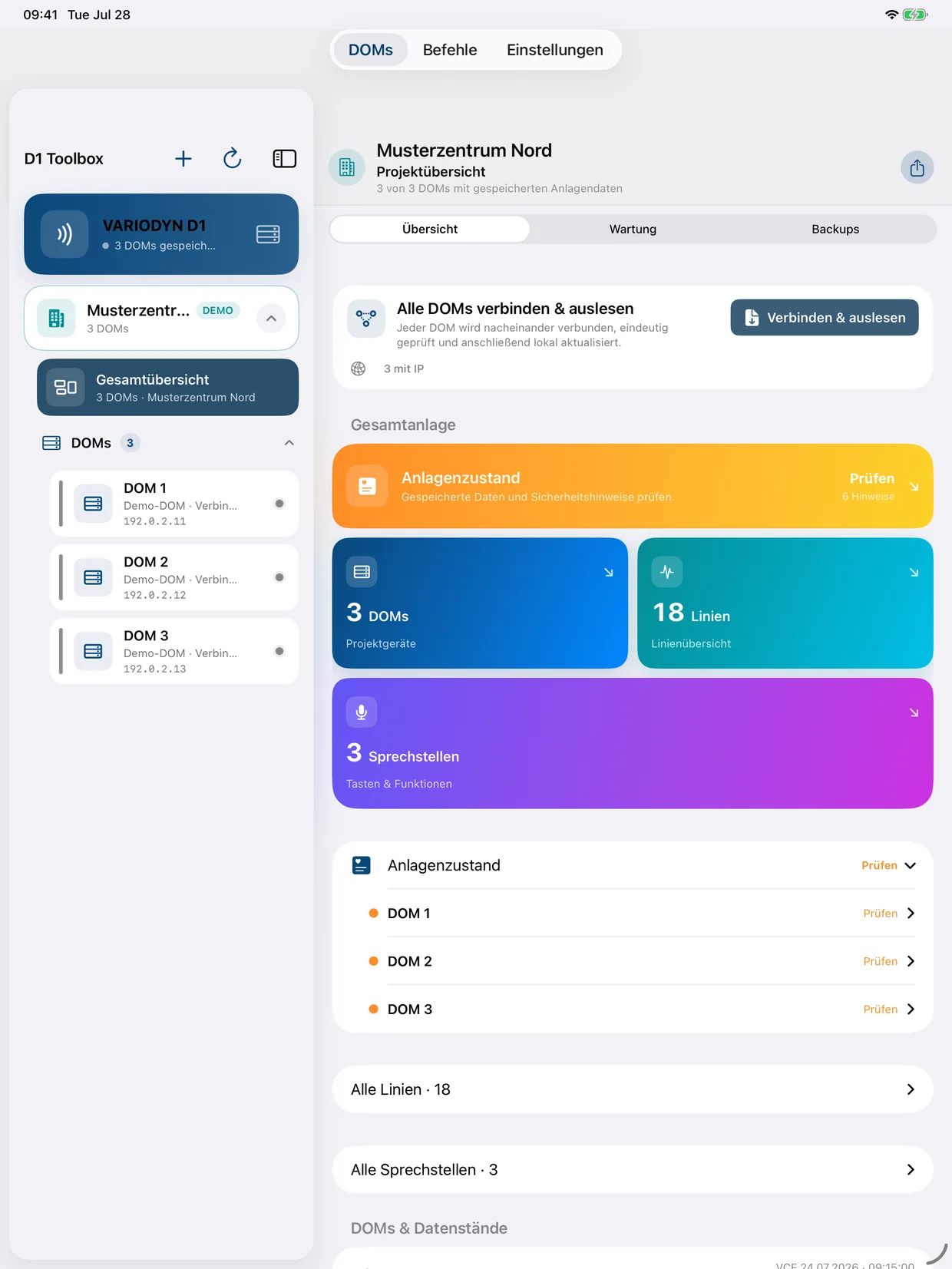
Less raw terminal output, more understandable relationships – without hiding the technical detail.
Present controllers, lines, call stations, calls, destination groups and function keys in clear project views.
Read impedance values, calibrate references, compare history and evaluate events together with line data.
Record maintenance sessions, system checks, lamp tests and executed commands in a traceable way.
Import VCF files, retain system information locally and export selected reports or backups.
Guided forms, OPMODE safeguards and command previews help reduce input errors.
Arrange racks and components visually, assign controllers and include the result in documentation.
Project, controller and detail data remain separate. Every screenshot uses fictional demo data.
The fixed project rail keeps buildings, the overall view and controllers within reach while lines, system condition or service functions remain open in the workspace.
View controllers, lines and call stations across a project.
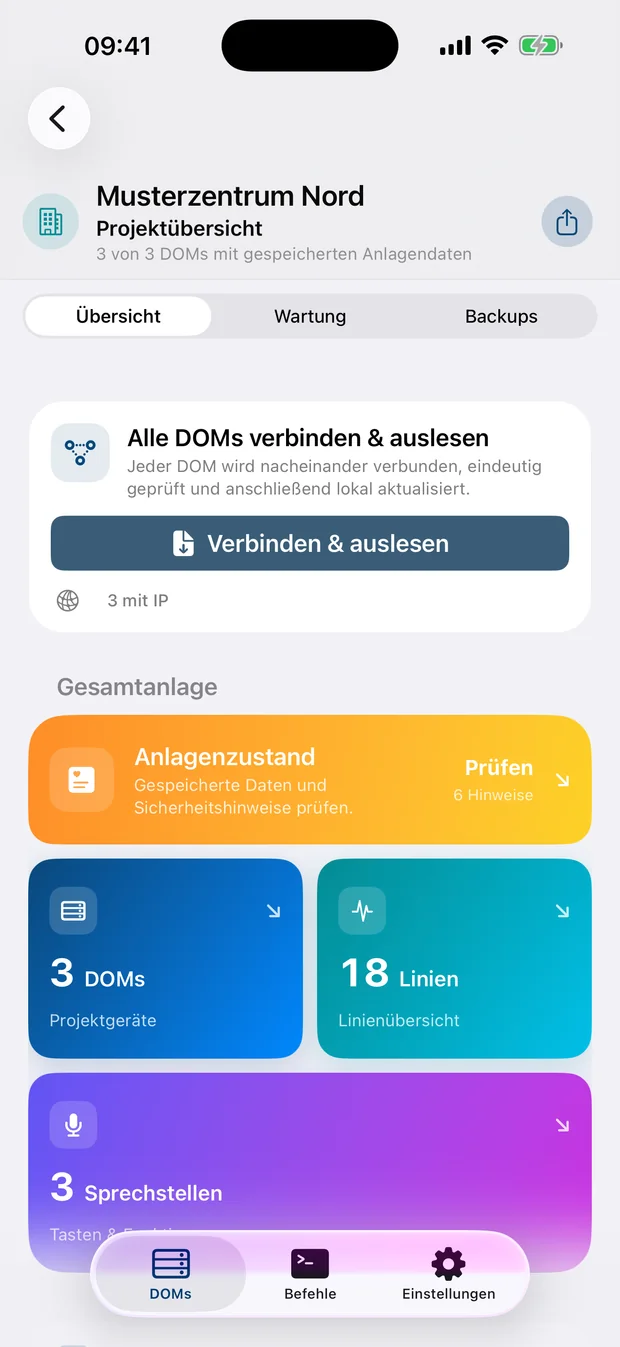
Assess values, tolerances and measurement history.
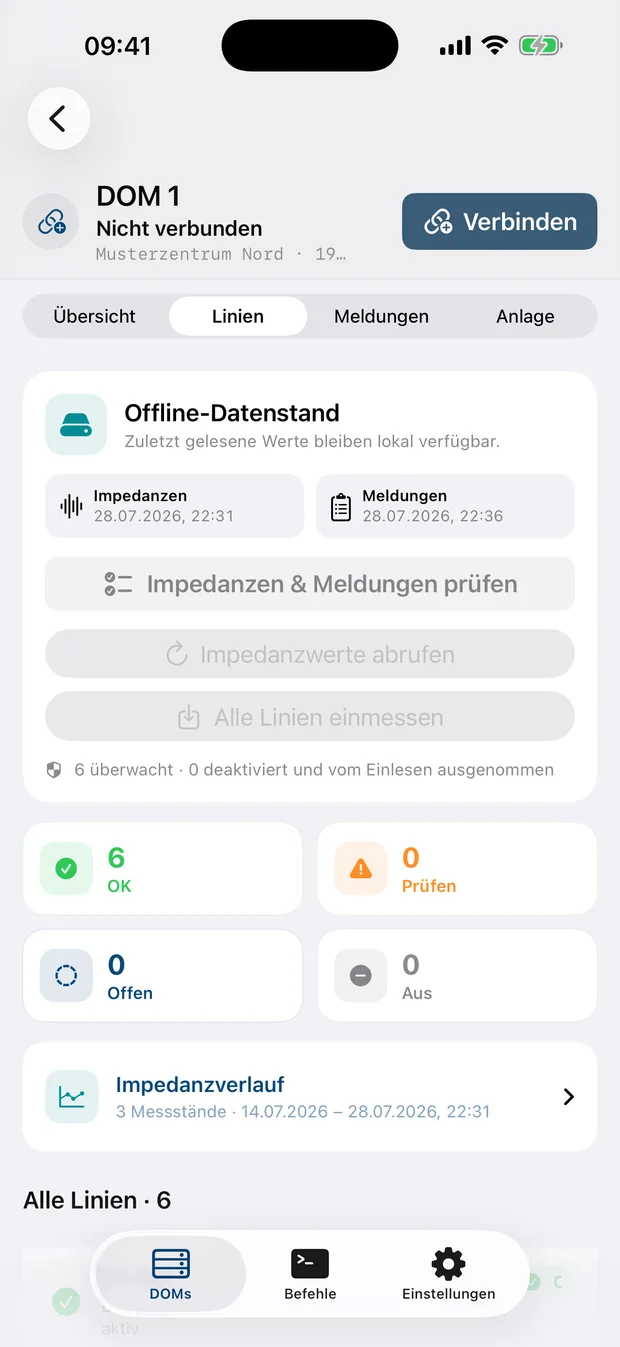
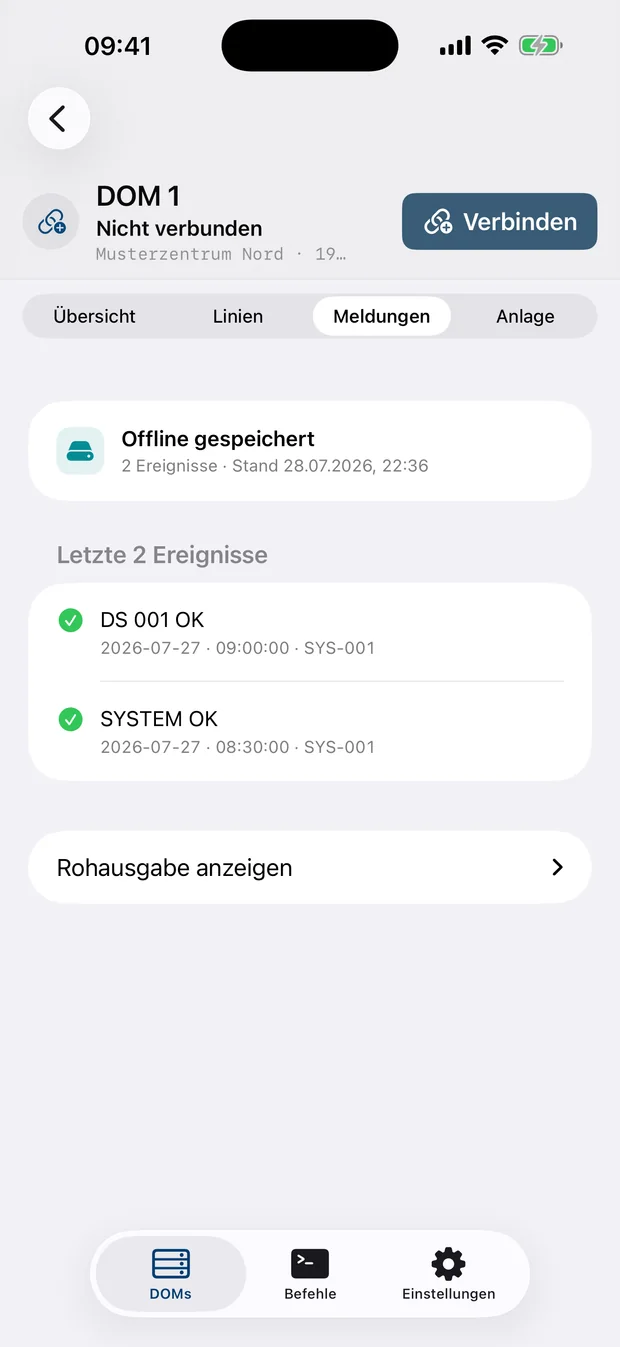
Read events and assign them to the correct controller.
Document system checks and service steps.
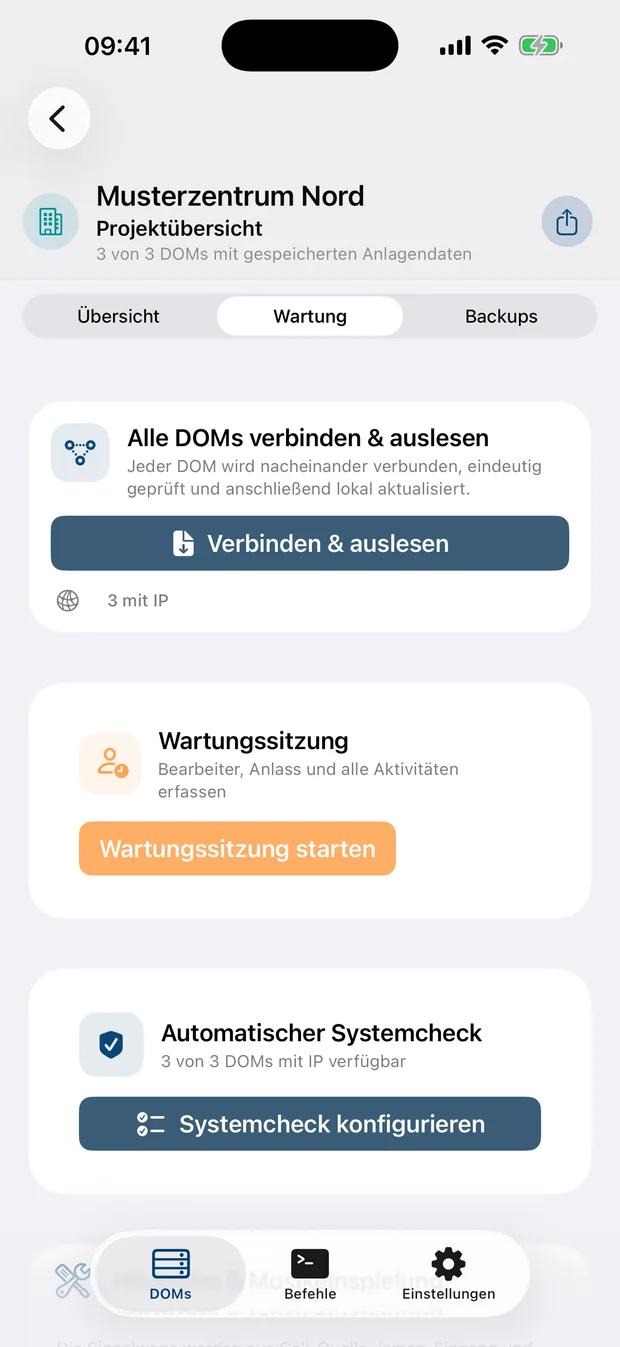
Controllers belong to a building. An IP address alone is never treated as proof of a project identity.
VCF, version, events and impedance values are read deliberately and retained with a traceable timestamp.
Lines, call stations, functions, triggers and targets are brought together in a readable structure.
The app has no account, advertising, tracking or developer analytics. Projects, measurements and VCF data are stored locally; an entered password is protected in the iOS Keychain.
Read the privacy policy →D1 Toolbox does not replace manufacturer documentation, authorisation, mandatory inspection or operational safety measures. Live functions may only be used on authorised systems and within a protected service network.
The beta is available to a selected group of qualified users through Apple TestFlight. Feedback on usability, compatibility and real-world system analysis is welcome.